Plex is a comprehensive digital media platform designed to unify, organize, and stream personal media collections alongside free, on-demand content. Functioning primarily as a client-server relationship, Plex allows users to manage vast libraries of movies, music, and photos from a central server and access them across numerous devices globally.
The core value proposition of Plex extends beyond simple file organization; it transforms raw media files into a visually rich, metadata-enhanced entertainment experience. This platform has become essential for users seeking a powerful, cross-platform solution for maintaining control over their digital content while enjoying integrated free streaming services.
The Foundation: Understanding How Plex Works
To fully appreciate the utility of Plex, it is vital to understand its architecture. Plex operates on a client-server model. The server component, known as the Plex Media Server (PMS), is installed on a user’s computer, network-attached storage (NAS) device, or other dedicated hardware. This server acts as the central brain, scanning, organizing, and transcoding the user’s files.
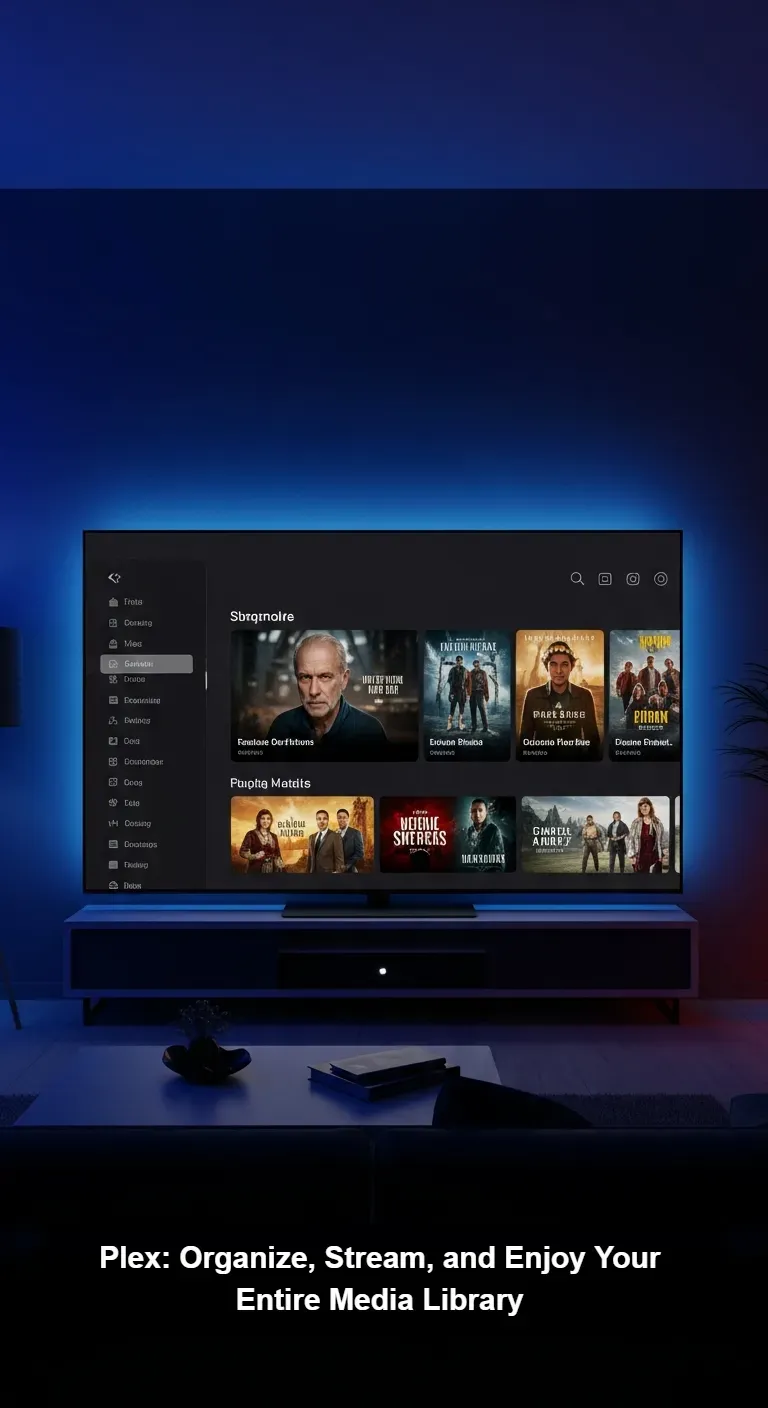
Once the server indexes the media, the Plex ecosystem retrieves rich metadata—including plot summaries, cast lists, poster art, and ratings—to create a professional, visually appealing library interface. The client application, which is available on virtually every modern device, then communicates with the server, allowing the user to stream their content wherever they are located, provided they have an internet connection.
The Dual Functionality of the Platform
While the personal media server functionality remains the hallmark of Plex, the platform has significantly expanded its offering by integrating a vast collection of free, ad-supported streaming content. Users can now access thousands of free movies, TV shows, and live TV channels directly through the Plex interface, even without setting up a personal server. This dual functionality ensures Plex appeals to both users with extensive private collections and those simply looking for a streamlined, free streaming aggregation service.
Why Choose Plex for Your Unified Digital Library?
In an era dominated by subscription fatigue and scattered media sources, Plex offers a solution that prioritizes centralization and control. Unlike platforms that dictate what content is available and when, Plex empowers the user to be the master of their own entertainment domain. The flexibility provided by the software ensures that content owners can access their films, family videos, and music collections using a singular, cohesive interface.
The Power of Organization and Discovery
Plex excels at making sense of messy digital libraries. If a user possesses hundreds of digital files named cryptically, the platform automatically identifies them, categorizes them by genre and release date, and applies professional-grade artwork. This level of automated organization greatly enhances the discovery process, making it simple to navigate even the largest libraries. Furthermore, the robust search functionality allows users to find content quickly, regardless of whether it resides on their personal server or within the free Plex streaming catalog.
Key Features That Define the Plex Experience
The success of Plex lies in a robust feature set that focuses equally on functionality, cross-device support, and user experience. These features differentiate it from standard file-sharing solutions and basic streaming interfaces.
- On-the-Fly Transcoding: One of the most critical features is transcoding. If a client device (like an older smartphone or smart TV) cannot natively play the file format or resolution stored on the server, the Plex Media Server automatically converts the file in real-time to a compatible format and bitrate. This ensures seamless playback regardless of the client device’s capabilities or the available bandwidth.
- Universal Device Support: Plex provides client apps for an extremely wide array of devices, including iOS, Android, Windows, macOS, smart TVs (Samsung, LG, Roku, etc.), gaming consoles (PlayStation, Xbox), and dedicated streaming sticks. This extensive compatibility makes access nearly universal.
- Remote Access: Once configured, Plex allows secure access to the media library from anywhere in the world. This remote streaming capability is managed securely by the platform’s infrastructure, eliminating the need for complex network configurations by the user.
- Free Live TV and VOD: The integrated free tier offers hundreds of channels of live television and a rotating catalog of video-on-demand content, all supported by advertisements. This supplements the user’s personal media, turning Plex into a single destination for all viewing needs.
Plex vs. Traditional Streaming Services
When evaluating Plex against subscription-based giants like Netflix or Disney+, the comparison highlights different priorities. Traditional services offer simplicity, guaranteed high-quality content, and exclusive originals, but they limit choice and require monthly fees. Plex, conversely, offers absolute control over media, freedom from content expiration dates, and the ability to stream niche or rare content that is unavailable elsewhere.
Plex requires an initial setup effort—installing the server and organizing files—but the long-term benefit is a media ecosystem owned and managed entirely by the user. For those who value archiving, curation, and ownership, Plex provides a vastly superior value proposition compared to the rental model of subscription services.
Getting Started: How to Set Up Your Plex Media Server
Setting up the personal media server portion of Plex is straightforward, though it requires attention to detail regarding networking and storage.
- Choose Your Server Hardware: Select a reliable computer or NAS device that will remain powered on whenever you want to stream. Processing power should be considered based on how many streams and simultaneous transcoding operations are anticipated.
- Install the Plex Media Server (PMS): Download the server application directly from the official website and install it on your chosen hardware.
- Organize Media Files: Ensure all movies, shows, and music files are stored in logically structured folders that adhere to the Plex naming conventions. Correct naming is crucial for accurate metadata matching.
- Create Libraries: Within the PMS interface, point Plex to the root directories of your organized media. The server will begin scanning and fetching metadata automatically, assembling your polished library view.
- Access and Configure Remote Access: Log into the Plex web interface or client apps to test streaming locally. Enable remote access settings to ensure you can securely stream content when away from your home network.
Optimizing Performance and Ensuring Device Compatibility
While Plex is designed for maximum compatibility, performance relies heavily on the server hardware and network infrastructure. To maintain a smooth, lag-free streaming experience, particularly during remote access or high-resolution playback, optimization is key.
Network Considerations
The local network should ideally support a Gigabit Ethernet connection between the server and the router. For remote streaming, the server’s upload speed is paramount. A slow upload speed will necessitate heavy transcoding, which puts significant strain on the server CPU and can reduce video quality.
Client and Quality Settings
Users should always check the quality settings on their client devices. If possible, setting playback to “Maximum” or “Original Quality” will prompt a Direct Play, bypassing transcoding and utilizing less server resource. However, if bandwidth is limited, adjusting the quality down ensures reliable, if slightly lower-resolution, playback.
Safety, Legality, and Community Reviews
The question of legality regarding Plex primarily pertains to the content users choose to upload to their personal servers, not the software itself. Plex, as a media management software and streaming aggregator, operates legitimately, providing a framework for users to manage content they legally possess or access its integrated, ad-supported free libraries.
Security is handled robustly, utilizing encryption for remote connections, ensuring that only authorized users can access the content shared from a personal server. Community feedback consistently praises Plex for its organization tools and cross-platform reliability, often citing it as the best solution for migrating away from dependence on physical media or purely subscription-based streaming models.